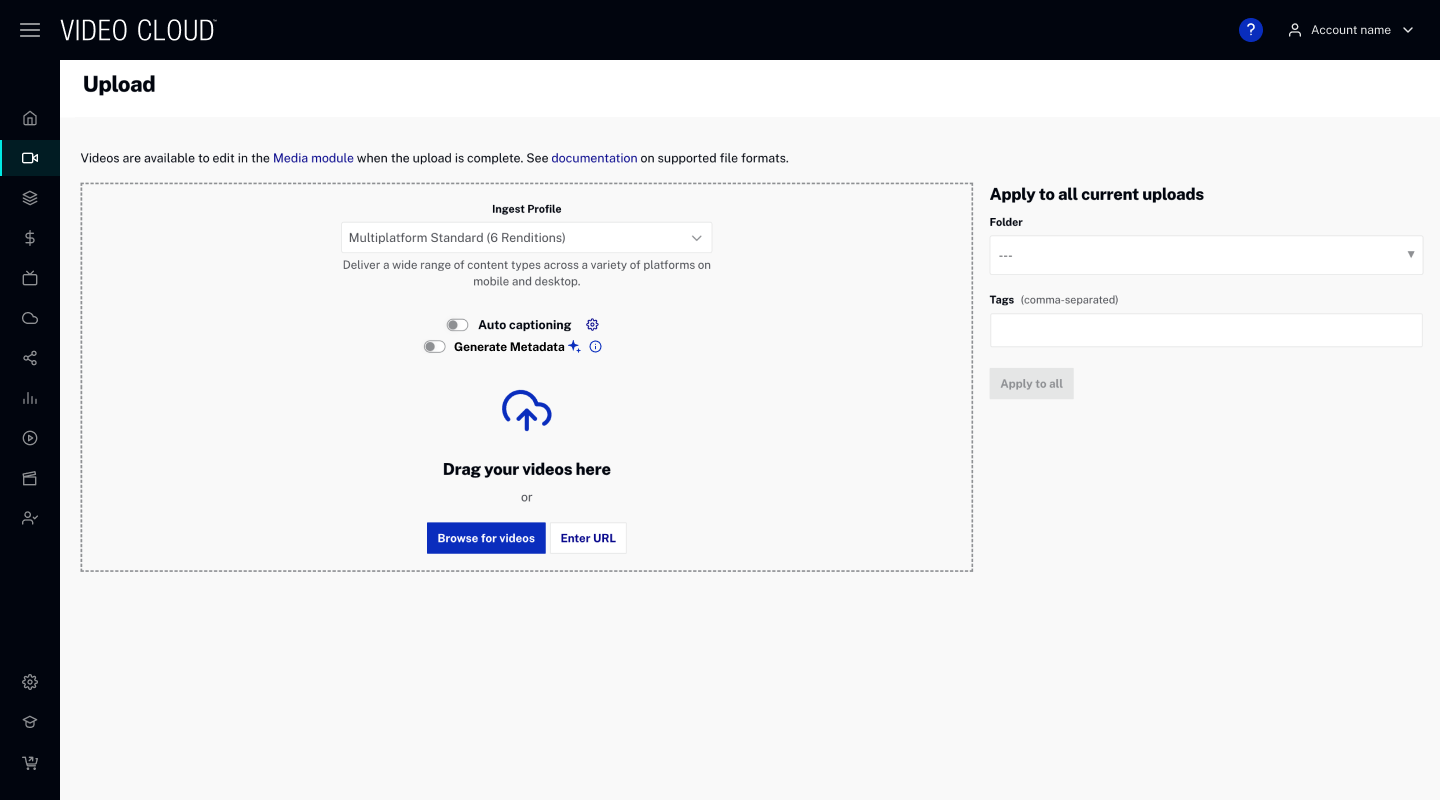
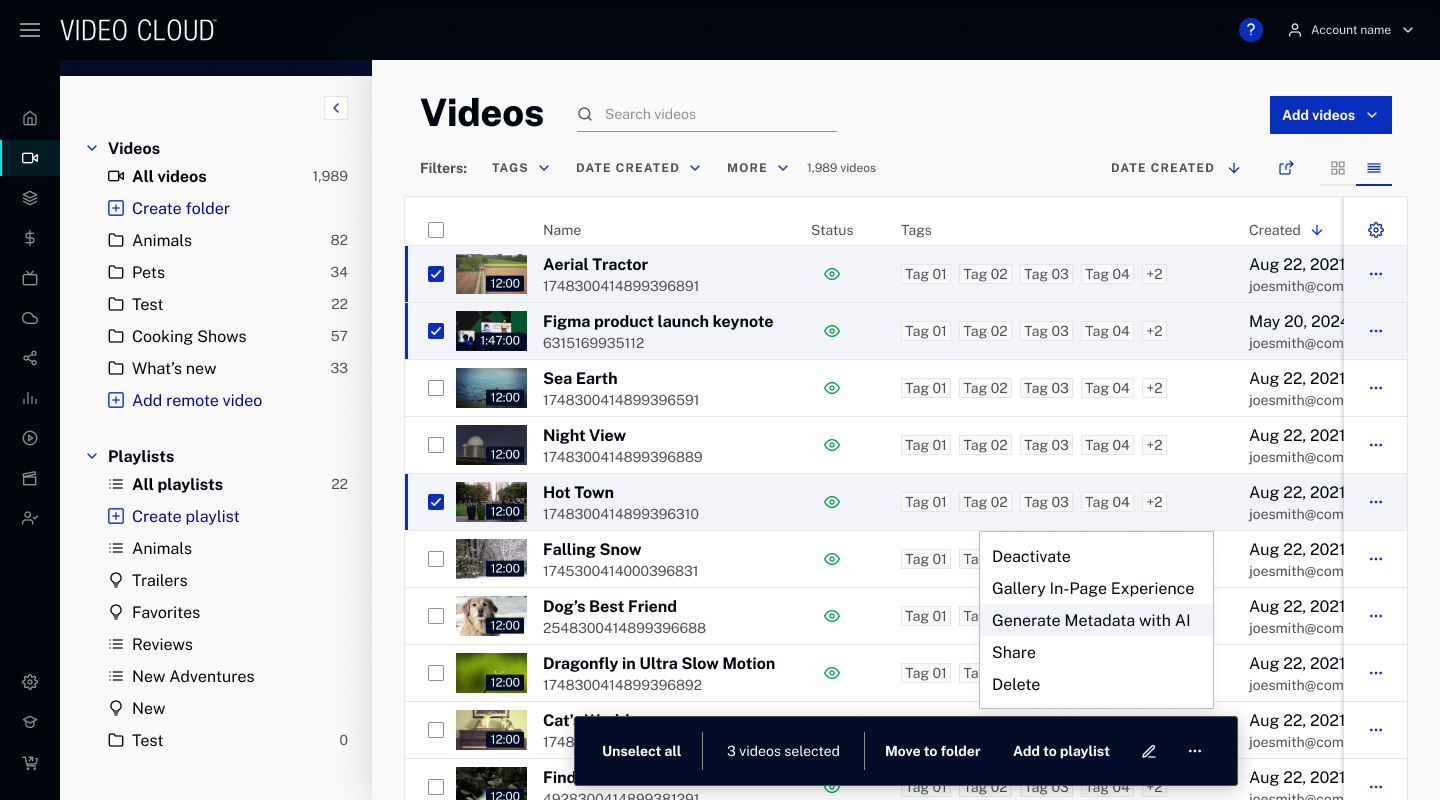
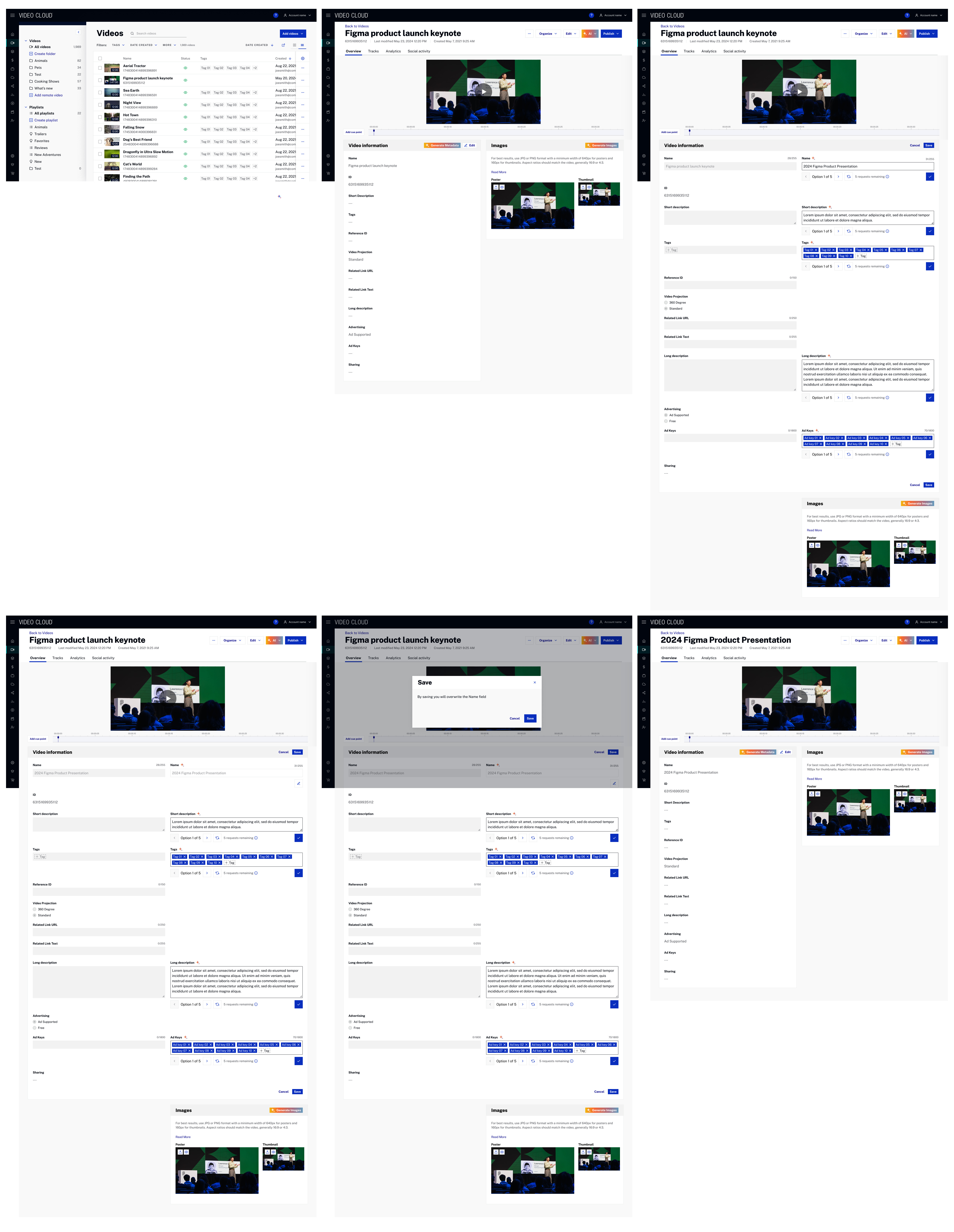
PAIR Projects Impact
At the same time that the AI Metadata Enhancer was being worked on. Other projects were also evolving and significantly impacting and touching some of the screens that were updated for this project.
The design team detected some inconsistencies between the same screens for different projects and also some inconsistencies between the same components for different projects and decided to act on it and work on the consistency for all projects within the platform.
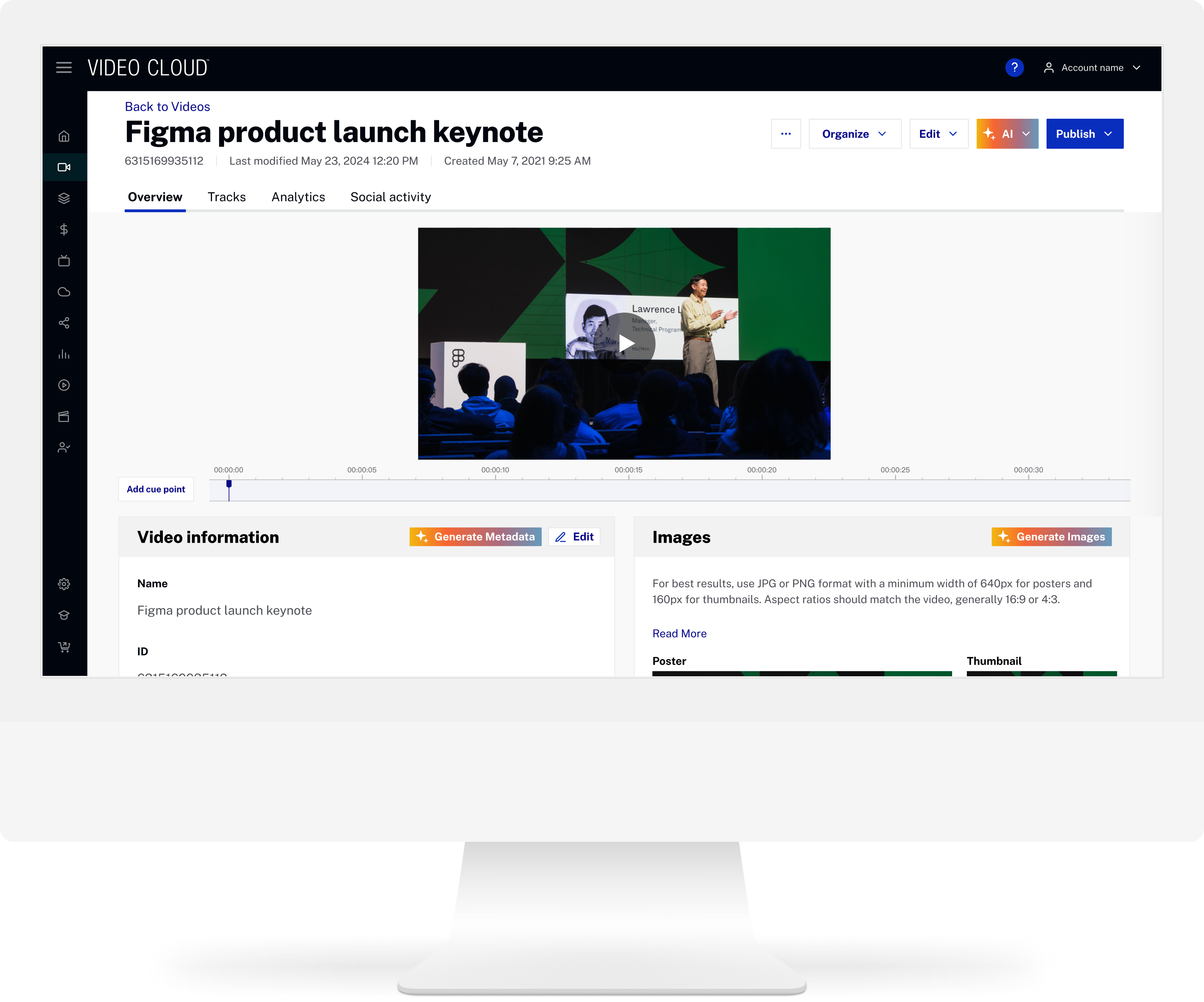
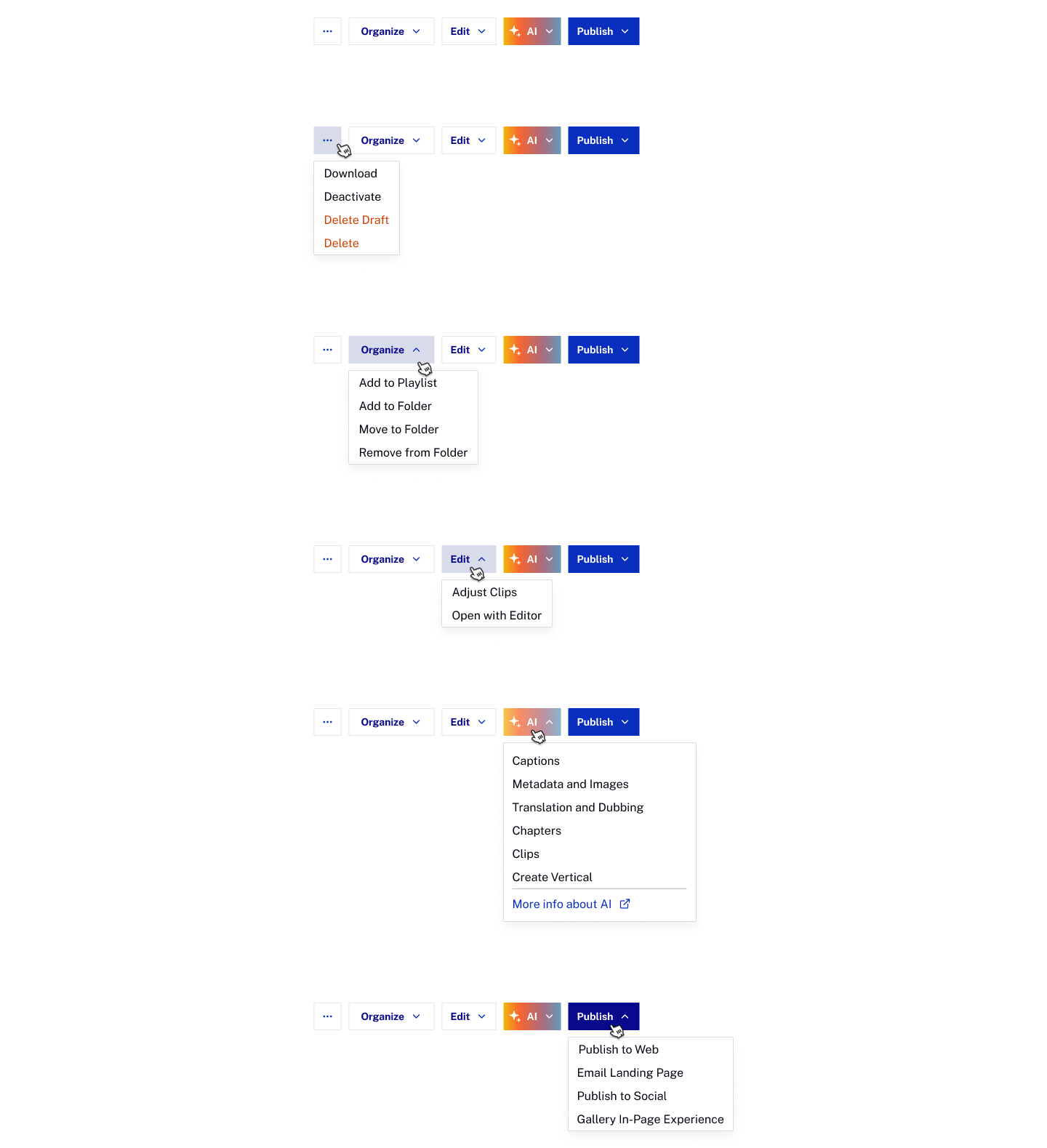
Video details header and CTAs
With so many projects and integrations going on, we detected an inconsistency in the video details header and call to actions.
It is also important to mention that with so many projects related to AI and other features the quantity of CTAs was becoming unmanageable.
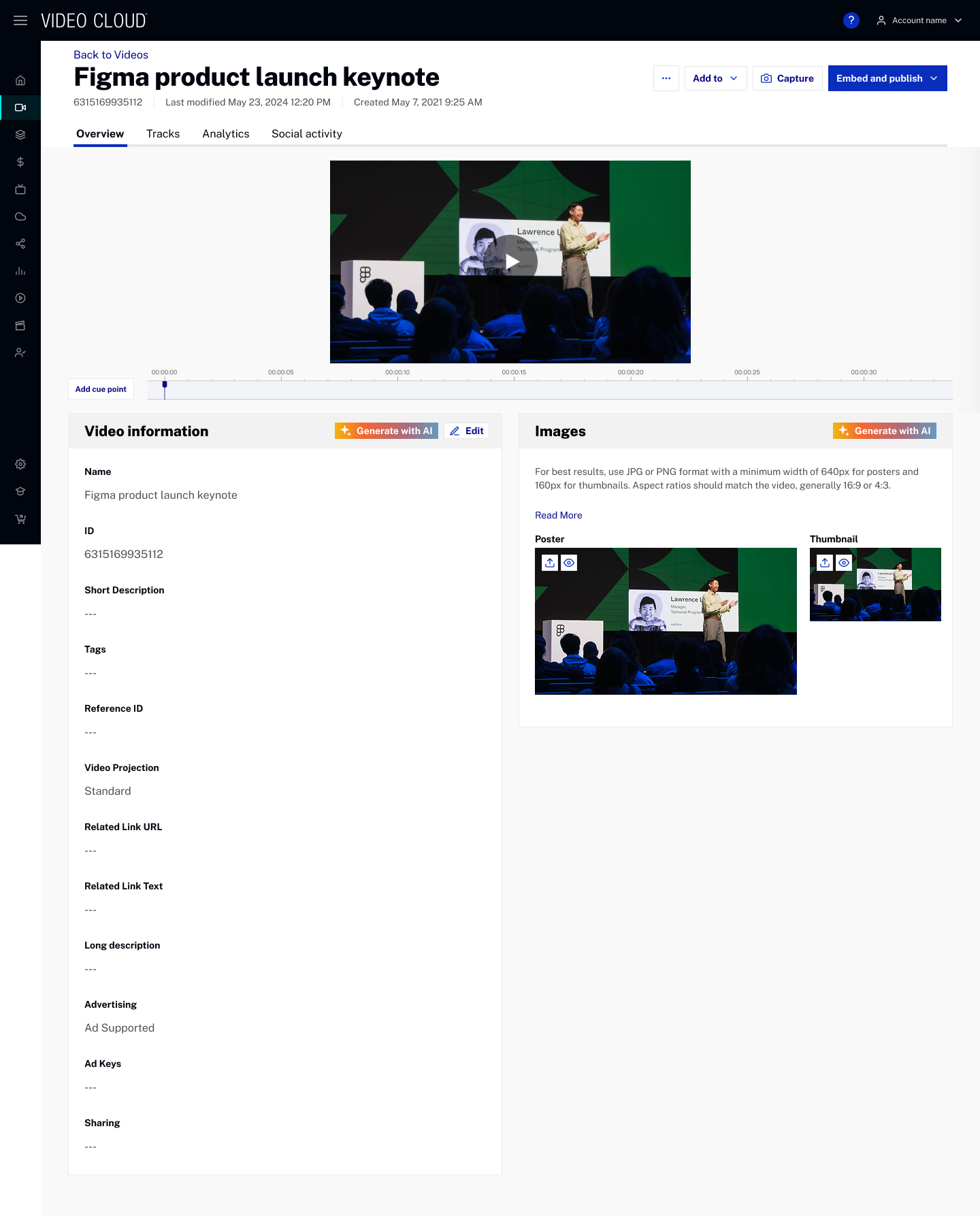
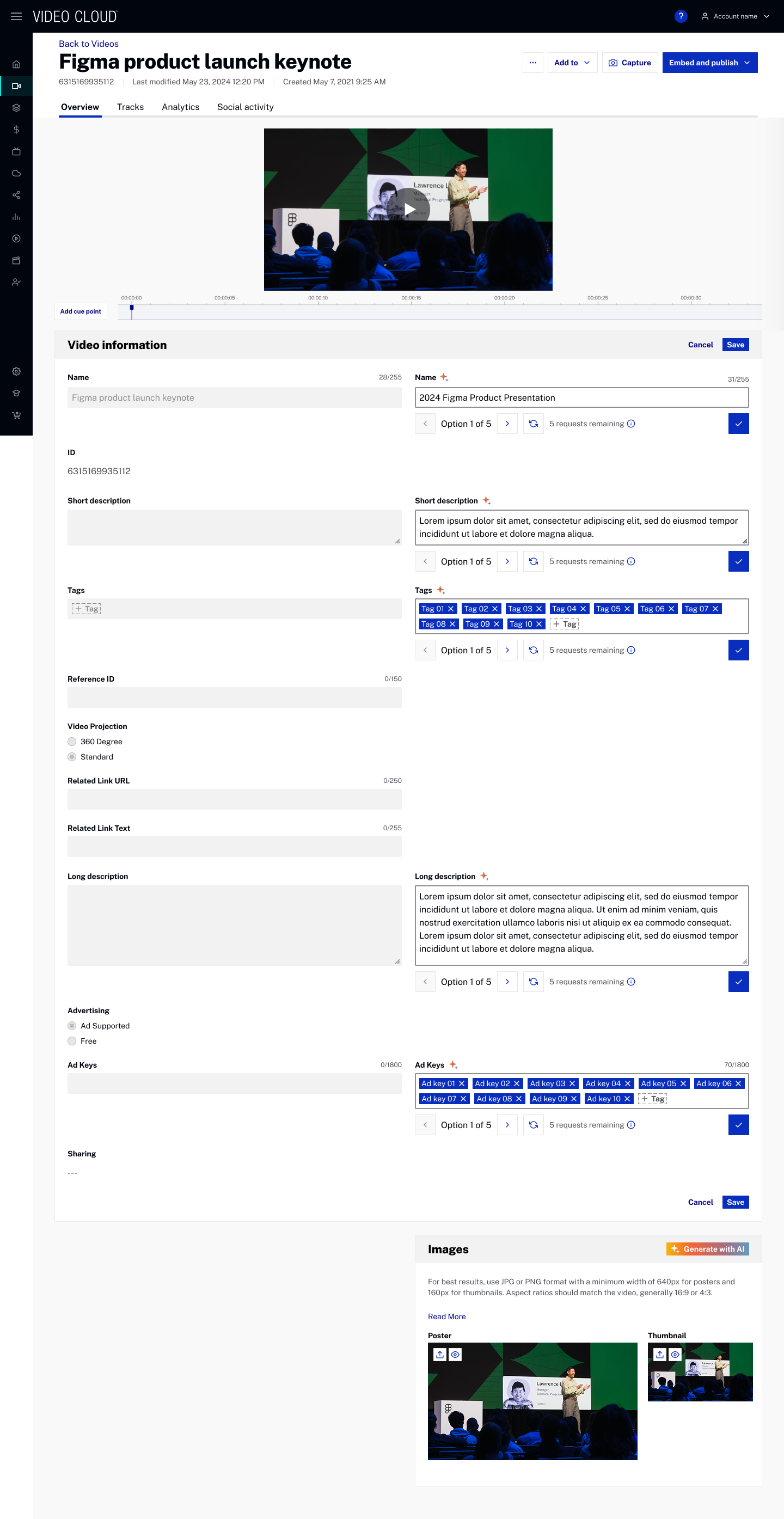
Here are some images on how it was looking for different projects:
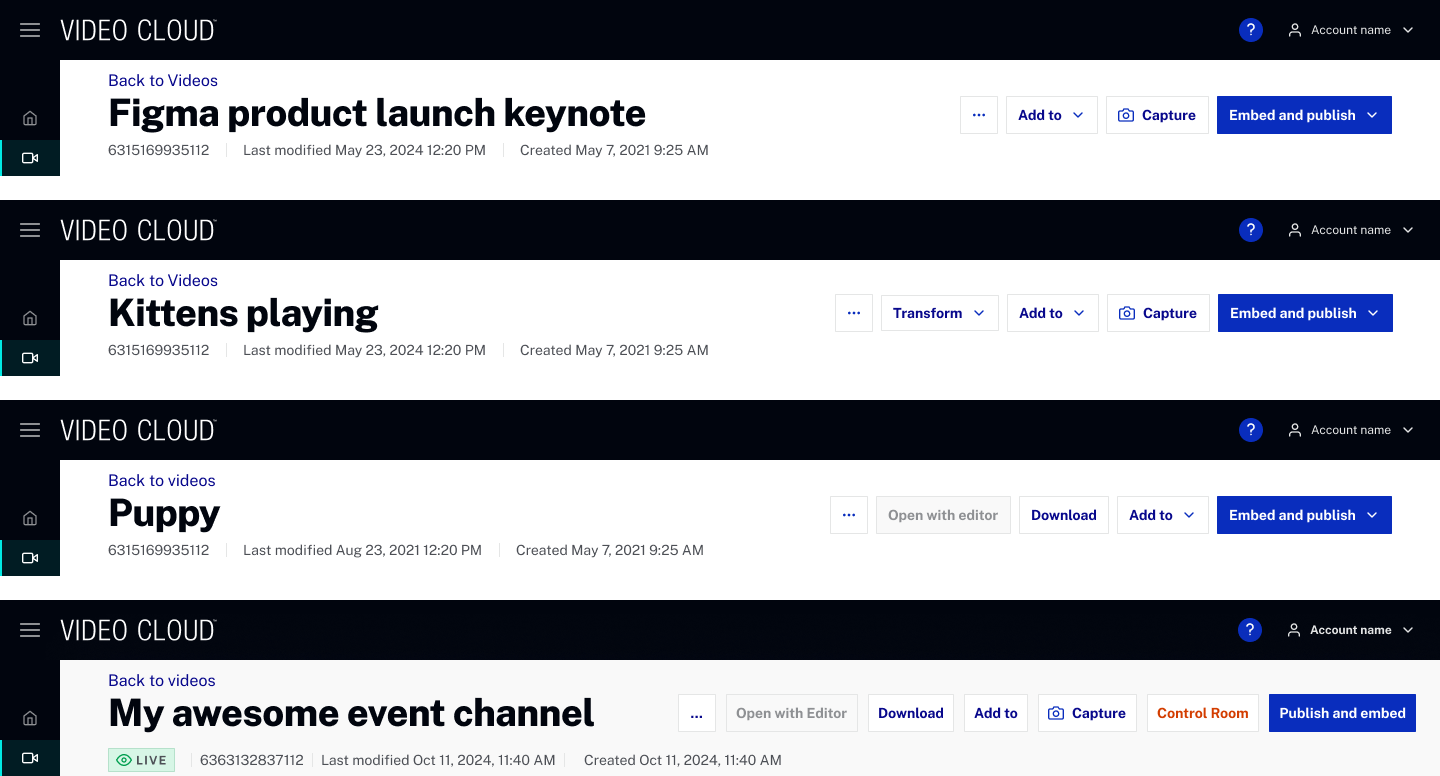
After a few meetings to brainstorm and ideate on the best way to organize and group the CTAs this was the final proposal:
Bulk-in-action bar
Once the CTAs in the video details page were updated and regrouped, we thought it would make more sense to also update and group the actions in the same way we did but now for the bulk-in-action bar.
This is how it looked before:

And this is after the update:

Status widget
For the status widget we needed to adapt it to support the display of the processing of all the different projects.
It ended up like this:
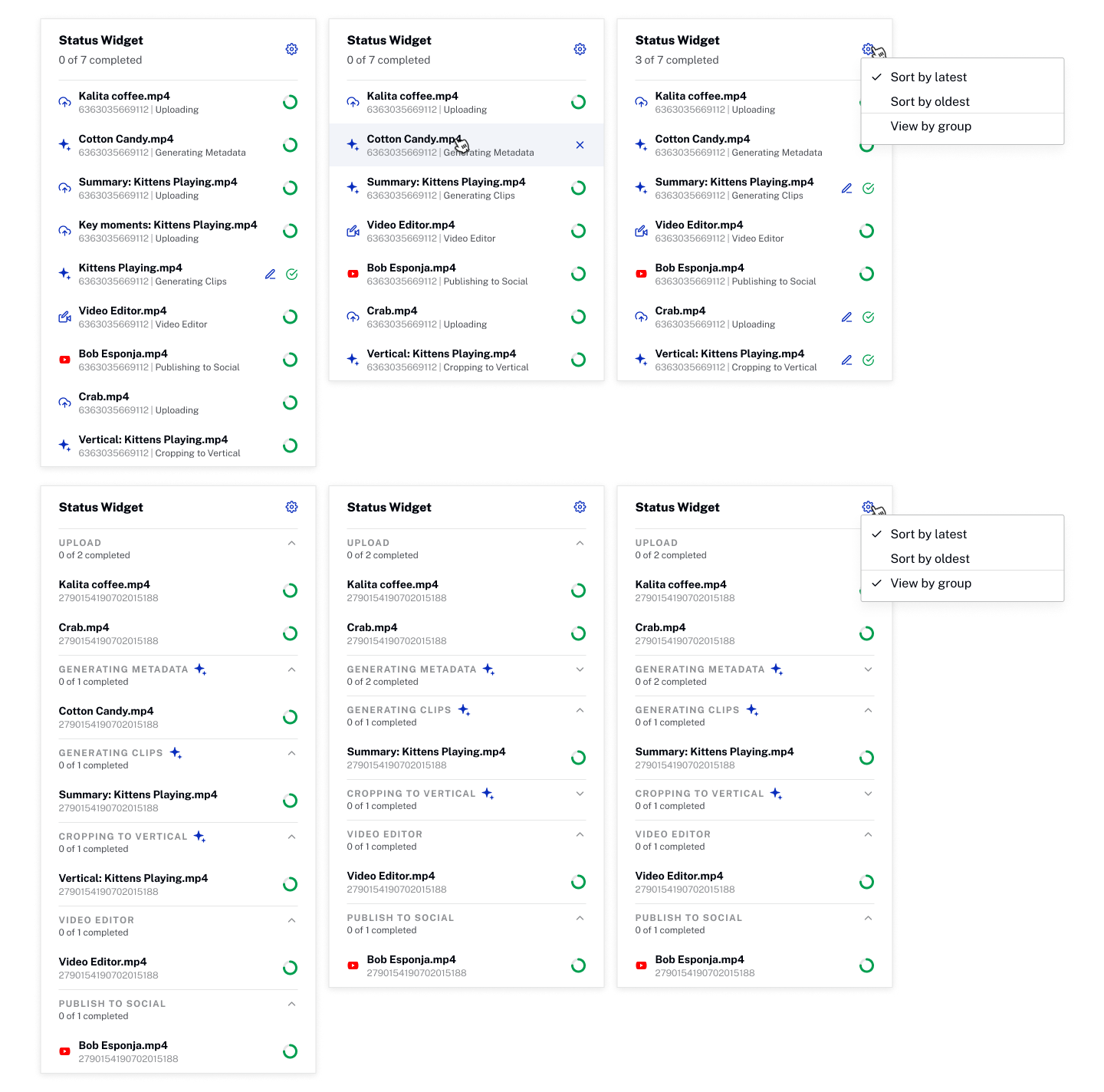
The default view is a list ordered by latest update, but it can be changed to be by group and/or oldest update.
More descriptive labels
We decided to change the labels for more descriptive ones, we went from Generate with AI to Generate Metadata and Generate Images.